What Is Google Ads?
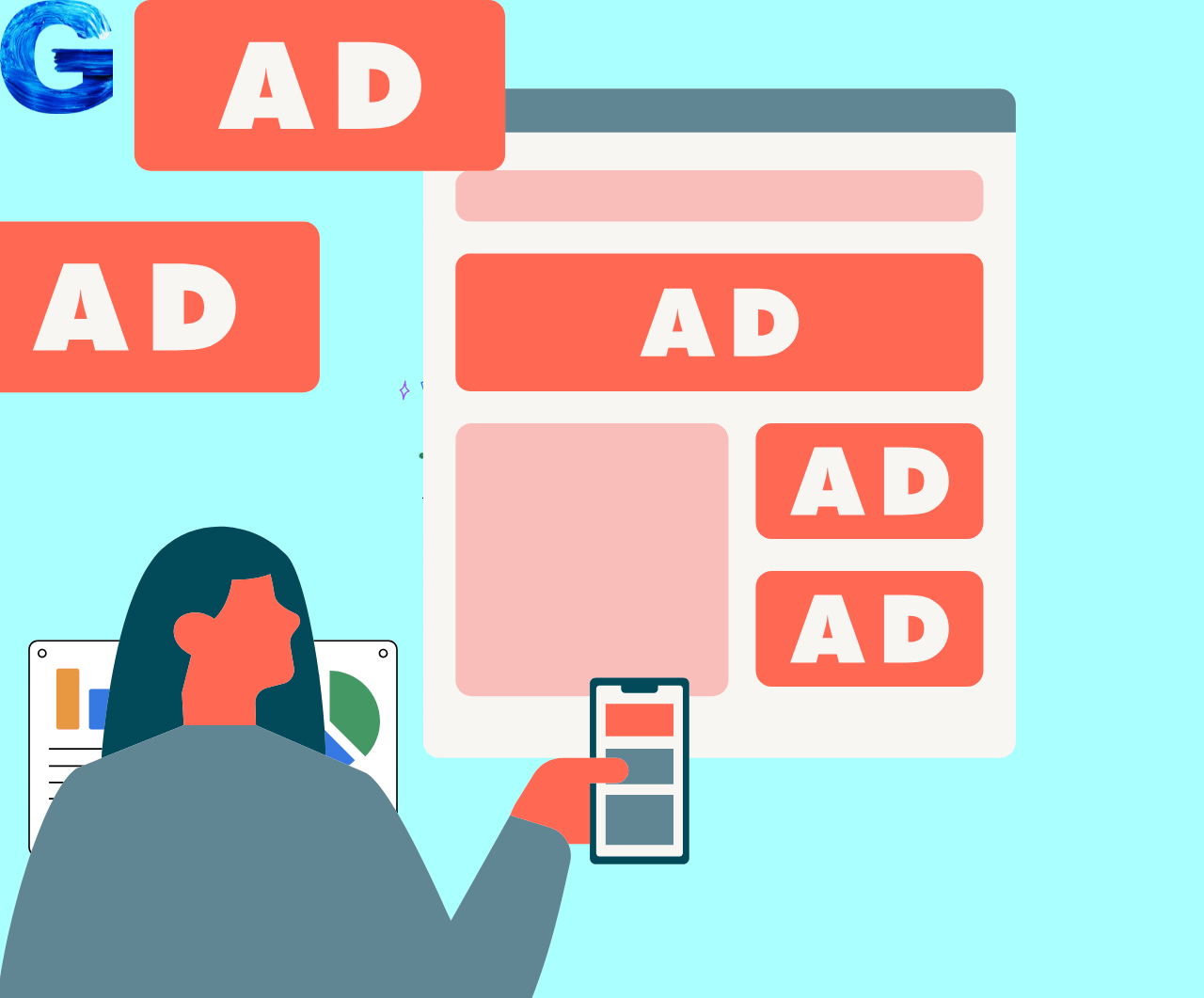
Google Ads is the world’s largest online advertising platform where you can promote your website, products, or services and reach millions of people. Google shows your ads on your website’s pages and on its own networks so that your ads can reach many interested people.
With Google Ads, you can easily sell your products or services because you can target the right audience. If you have different types of products, you can run different ads and campaigns for each category.
To run ads, you need a clear message and some basic details like budget, location, and who you want to show your ads to. Google Ads helps to grow your business because it can quickly bring customers from your local area as well as from other places to your website.
How Google Ads works
You can run Google Ads in the way that suits your business and your target customers. You decide what kind of people should see your ad, and Google will show your ads according to those settings.
You can choose to show your ads only to women or only to men if you want. You can also decide which city, area, or country should see your ads and select the age group you want to target.
You can set your own budget and daily spend for your ads. In short, you decide what you want to promote, who should see it, and how much you want to pay, and then you can easily run Google Ads for your business.
What are the benefits of Google Ads?
- You can promote your products or services to thousands or even millions of people and make them aware of what you offer.
- You get a lot of benefits from this platform, and every business owner can use it for business growth.
- Budget control is easy; you can set a daily or monthly limit and pay only when someone clicks on your ad.
- You get fast traffic, because after launching a campaign, visitors start coming to your website quickly.
- You can receive enquiries and leads 24 hours a day; if someone likes your offer, they can contact you anytime.
- Google Ads is very useful for small businesses, because even with a small budget you can reach the right customers.
- You can do accurate targeting, for example, show ads only to people aged 25–35 living in Delhi.
- Your ads can run 24/7, so you can make sales even while you are sleeping.
- Getting organic traffic with SEO takes a long time, but with Google Ads you can see results in a short period, which makes it a very powerful tool for business.
you are learning digital marketing or building your own e‑commerce website, learning Google Ads is extremely important because it helps you reach people who are already searching for products or services like yours on Google. Instead of waiting months for SEO or relying only on social media, Google Ads can quickly bring targeted traffic, leads, and sales while keeping your budget under control.
What is Google Ads PPC model?
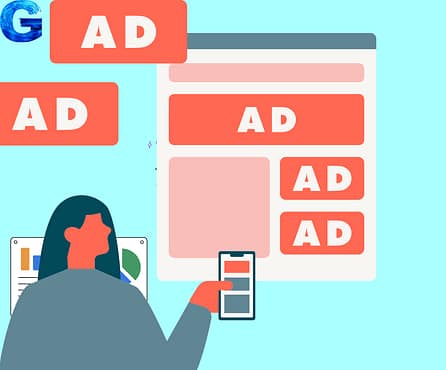
Google Ads works on a Pay‑Per‑Click (PPC) model, which means you pay only when someone actually clicks on your ad, not just for impressions. Whenever a user searches for a keyword related to your business, Google runs an instant auction between advertisers and decides whose ads should appear based on bids, ad quality, and relevance.
How does the auction help your website?
If your bids and quality score are good, Google can show your ad at the top of the search results page, even above organic listings. This gives your website high visibility and can drive very targeted visitors who are more likely to convert into customers.
Budget and cost control
You can set a daily or monthly budget according to your capacity, for example starting from a few rupees per click and scaling up as you see results. Google never spends more than the limit you define, so you stay fully in control of how much you invest in advertising.
Why every marketer should learn it
Because Google Ads is measurable, scalable, and fast, almost every serious digital marketing strategy includes it, and many companies hire people who know how to manage PPC campaigns effectively. Whatever type of ad you run—search, display, shopping, or video—Google will show that ad on its network or in search results according to your chosen settings.
How to create your first ad
To create your first ad, open your mobile or laptop and go to the Google Ads website. Click on the “Start now” button and sign in with your Google account to begin setting up your business in Google Ads.
Google will ask you what kind of business you have and what website you want to promote. After you click “Next”, you choose your website type and follow the step‑by‑step process that Google shows on the screen.
At the end, you will be asked to enter your billing details so that Google can charge you for the ads you run. When this setup is complete, your ads can start running.
Business details required
- Business name
- Website URL
- Location
- Currency for billing
Next steps after business details
Once you’ve filled in your business name, website URL, location, and billing currency, you can finish setting up your Google Ads account and move on to creating your first campaign. Your business information helps Google display your ads correctly and charge you in the right currency for each click or impression.
In the next step, choose your main campaign goal, such as getting more website visits, leads, or sales. Then set your daily budget, create your ad, select your target audience and keywords, and publish your campaign so your ads can start running on Google Search and partner websites.
Note – If there is anything you do not understand clearly, you can contact me through the “Contact Us” page on my website and I will reply to you as soon as possible. You can also send me a direct message on Instagram and I will be happy to help you there as well.