
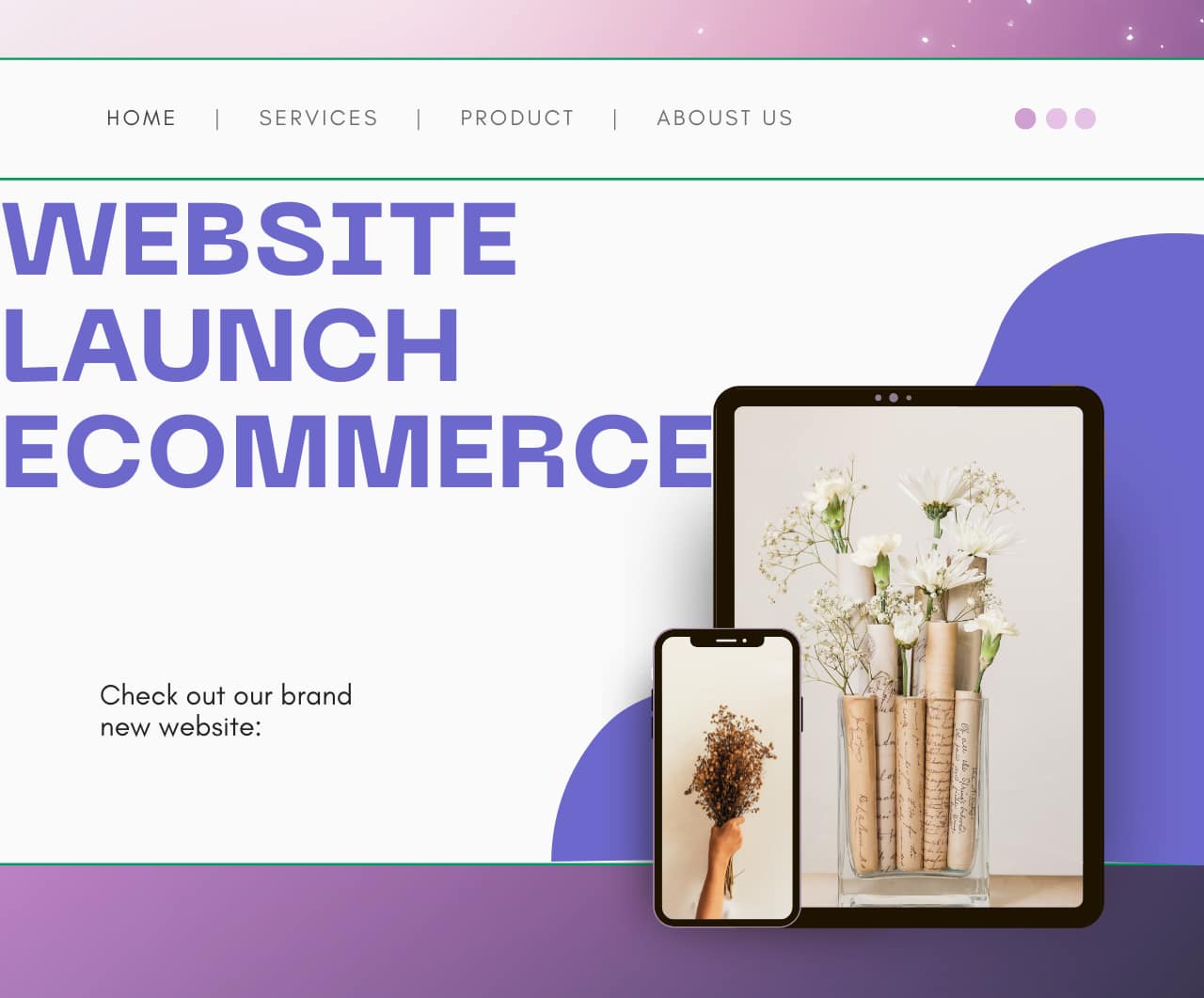
What Ecommerce Website?
An ecommerce website is an online store where a business can sell its products or services on the internet. Customers can visit the website from their mobile or laptop, browse products, add them to cart, make the payment and get the order delivered to their home.
The biggest benefit of an ecommerce website is that your shop is open 24/7. If your site is well‑designed, has quality products and a secure payment system, you can reach customers not only in your city but across the country and even worldwide.
What Can You Sell with Ecommerce?
With an ecommerce website you can sell almost anything, for example.
- Physical products like clothes, T‑shirts, shoes, bags, jeweler, home decor, kitchen items.
- Digital products like eBooks, online courses, printables, presets, templates.
- Services like makeup, photography, graphic design, web development, home services.
You can manage stock yourself or use suppliers and dropshipping. As your orders grow, your profit also increases, and ecommerce becomes a regular source of income.
How to Start an Ecommerce Website.
If you already have a normal website or blog, you can convert it into an online store. On WordPress you can install an ecommerce plugin like WooCommerce and then.
- Add products
- Connect a payment gateway
- Create all the important pages for your shop
You can start with a small category, like only T‑shirts or only cosmetics, and then keep adding more products after you gain experience.
Important Pages for an Ecommerce Website.
1. Home page
The home page is the main entry of your online shop. It should.
- Show a big banner or slider with your main offer or new collection
- Highlight best‑selling products and new arrivals
- Clearly show any running sale, coupon or festival offer
The design should be clean so that a new visitor can easily understand what you sell and where to click next.
2. Shop / Products Page
The shop page lists all your products. It should include.
- Product thumbnail, name, price and a short description
- Filters like category, price range, size, colour
- A search bar so users can quickly find what they want
A clear shop page improves user experience and increases the chance of getting more orders.
3. Product Detail Page
Every product needs its own detail page. This page must show.
- High‑quality images or an image gallery
- Clear product title and a small tagline
- Full description: material, size, colour, usage, care instructions, benefits
- Price, discount and stock status
- Size chart for clothes and shoes
- Customer reviews and ratings
- Strong “Add to Cart” and “Buy Now” buttons
The clearer information you give, the more trust you build and the fewer returns you get.
4. Cart and Checkout Page
On the cart page the customer can see all selected products with quantity, price and total amount. They should be able to change quantity, remove products and apply a coupon code.
On the checkout page the customer fills in.
- Name, mobile number and email
- Full shipping address (house number, area, city, pin code, state)
- Payment method
Try to keep the checkout simple, with no more than 2–3 steps, so the customer can complete the order quickly.
5. Secure Payment and Shipping Information
Your ecommerce website should support secure and trusted payment options such as.
- UPI apps (PhonePe, Google Pay, Paytm)
- Debit and credit cards
- Net banking
- Cash on Delivery (if you offer COD)
Create a small section or page that clearly explains.
- Estimated delivery time (for example 3–5 or 5–7 working days)
- Where you ship and where you do not ship
- When shipping charges apply and when shipping is free
This information reduces customer confusion and complaints.
6. Contact Page
The contact page helps build trust. It should include.
- Your name or brand name
- Mobile number and WhatsApp number (if different)
- Professional email address
- Office or shop address, if you have one
- A simple contact form so customers can send a message directly
You can also add links to your Instagram shop, Facebook page or other social media profiles.
7. About Page
On the About page you share your story, for example.
- Who you are and where you are from
- Why you started this business
- What kind of products or services you offer
- What your mission is (quality, affordability, unique designs, etc.)
A good About page makes customers feel that there is a real person or team behind the brand.
8. Return / Refund Policy Page
For any ecommerce store, a clear return and refund policy is very important. On this page you should mention.
- In how many days the product can be returned or exchanged (for example 7, 10 or 30 days)
- In which conditions return is accepted (wrong size, damaged product, wrong item received, etc.)
- In which conditions return is not accepted (used product, tags removed, etc.)
- How and when the refund will be given – back to bank account, UPI, or as store credit
When customers understand the policy, they buy with more confidence.\
9. Privacy Policy, Terms and Other Legal Pages
You should also create pages like.
- Privacy Policy
- Terms and Conditions
- Disclaimer (if needed)
These pages explain how you use customer data, what rules apply on your website and what responsibilities you take. They make the site look professional and are useful for approvals like payment gateways and ads.
10. Product Photos, Title and Description
For every product you add to your ecommerce website, three things must always be clear.
- High‑quality images: Use bright, clear photos from different angles so the customer can see the product properly. Avoid dark or blurred photos, because they reduce trust.
- Clear product title: Mention what the item is an important detail in the title, for example: “Men’s Cotton T‑Shirt – Black, Round Neck” or “Women’s Casual Sneakers – White, Size 4–8”
- Useful description: Write a simple description that explains material, size, color, usage, care instructions and any special features. Do not just write one line; give enough information so that the customer does not need to ask questions in WhatsApp or email.
Good photos, titles and descriptions not only help the buyer but also improve your SEO and search ranking inside your own website.
11. Design and User Experience
The design of your ecommerce website should be simple and mobile‑friendly.
- Keep the layout clean with a light background and readable fonts.
- Use a clear menu and navigation bar so users can easily move between Home, Shop, About, Contact and Policy pages.
- Add a search bar at the top of every page so people can quickly find any product.
A good user experience makes visitors feel comfortable, so they stay longer and are more likely to buy.
12. Secure Payment, Shipping and Customer Support
Customers only buy again if they feel safe and supported.
- Use trusted payment gateways for UPI, cards and net banking so that transactions are secure.
- Clearly mention shipping time, delivery charges and areas where you deliver
- Provide a simple way to contact you (WhatsApp, phone or email) in case of any issue with payment, order status or delivery.
When people see that your website has proper payment, shipping and support information, they trust your brand and your ecommerce business grows faster.
Ecommerce Website…
Note- If you do not understand anything, then please contact me once through the contact us page or by commenting to me.
visit my you tube channel